20.01.2026
I've been thinking about how we find icons. You need something specific for a slide deck—not a generic arrow or hamburger menu, but a specific thing. A lamp with a particular shade. A device that doesn't quite exist yet. You scroll through icon databases, tweak search terms, settle for something close enough. Or you open Figma and spend twenty minutes on something that should take two.
I wanted to see if I could just draw what I need and have AI figure out the rest.
This is what I ended up with. An iPad app where you sketch on the left, and get a usable icon on the right.

The naive approach
The first attempt was predictable. I sent my sketch directly to Gemini's image generation. Draw a lamp, get a lamp icon back. Simple pipeline.
It didn't work. The generated icons were undefined masses of strokes. Gemini could see something was there but couldn't quite grasp what I intended. My lamp became abstract art. Not the useful kind.
The sketch alone wasn't enough context.

Adding a translation layer
the key insight
Let a vision model interpret the sketch first, then pass that understanding to the image generator.
I added Gemini Flash with vision as an intermediate step. It looks at my sketch and says "lamp." That word—plus the original sketch—goes to Gemini's image generation. The vision model acts as a translator between my rough strokes and the generator's expectations.
The pipeline now:
SketchUser draws on canvas→VisionCategorizes the sketch→GenerationCreates icon from category + sketch
This changed everything. The generator now knows what it's supposed to be making, while still referencing how I drew it.

Why sketching beats prompting
Here's what surprised me: the sketch carries information that's tedious to express in words.
If I prompt "lamp icon," I get whatever the model thinks a lamp should look like. But lamps come in hundreds of shapes. If I want a specific silhouette—tall and narrow, with a curved shade—I'd need to write a paragraph describing it.
When I sketch it, that information transfers instantly. The model sees my curved shade and produces a curved shade. My proportions become its proportions. Drawing is just faster than describing.

The consistency problem
With that said, there were limitations.
Generation speed is fine—under 30 seconds on average. Tolerable for the workflow.
But the results vary. A lot. Same sketch, same prompt, different outputs. I solved this by generating four versions simultaneously. Usually at least one is usable. It's a brute-force fix, but it works.
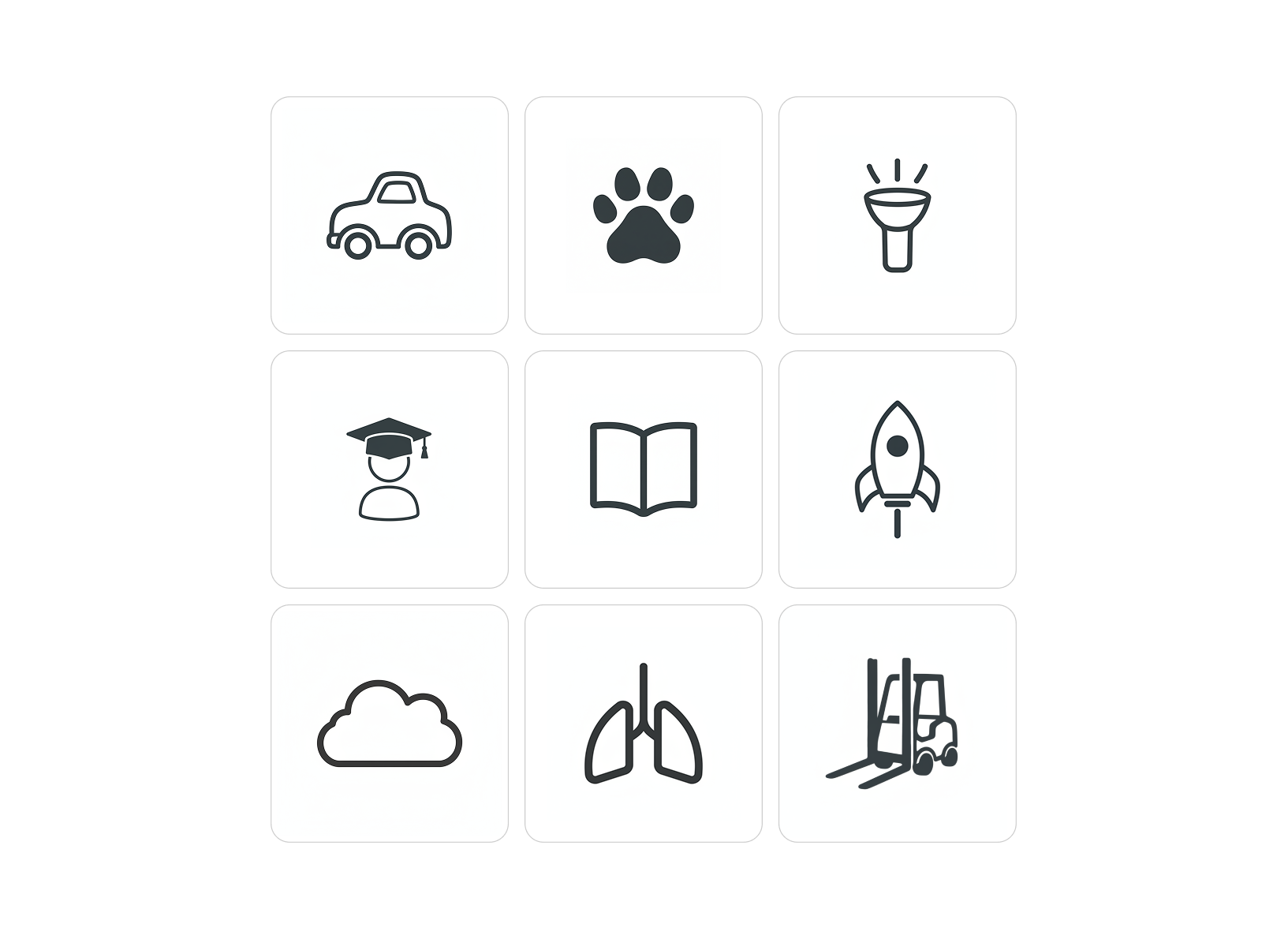
The harder problem is consistency across icons. Even with a detailed style prompt baked into the system, icons generated in separate sessions don't quite match. The stroke weights drift. The corner radii vary. For a one-off slide, this is fine. For a cohesive icon set, it's a dealbreaker.
This is the sort of thing you only notice by actually using it. The individual icons look good. Put three of them next to each other and the inconsistency becomes obvious.

Reflections
I'm genuinely impressed with how well the vision-to-generation pipeline works. The two-step process—interpret, then generate—feels like the right architecture. And the speed of sketching versus prompting is real. I reach for this now when I need something specific.
The model optimises for plausible icon rather than consistent with your other icons. That's the gap. For ad-hoc use, it's already useful. For systematic icon design, we're not there yet.
If you want to try something similar, here's the general approach:
- Use a vision model to categorize/interpret the user's input first
- Pass both the interpretation AND the original image to generation
- Generate multiple variants—consistency is still unreliable
- Bake your style requirements into the system prompt, but don't expect perfection
From there, it's iteration. Draw something, see what comes back, adjust your sketch and the system promt.
Acknowledgements
Built with Gemini Flash for vision and image generation. The iPad app is SwiftUI. Coded with Claude Code and Cursor.